Organize Changes using Auto Labels
Create rules that automatically label incoming Changes based on criteria you define and filter Changes directly from the sidebar for easy identification.
Configure Auto Labels by navigating to Settings › Auto Labels › New label and clicking New label.
In case you're running out of ideas, try one of the examples below:
Priority Review
Apply this label if the changes is High Risk and it modifies any IAM, networking, storage, production-database resources.
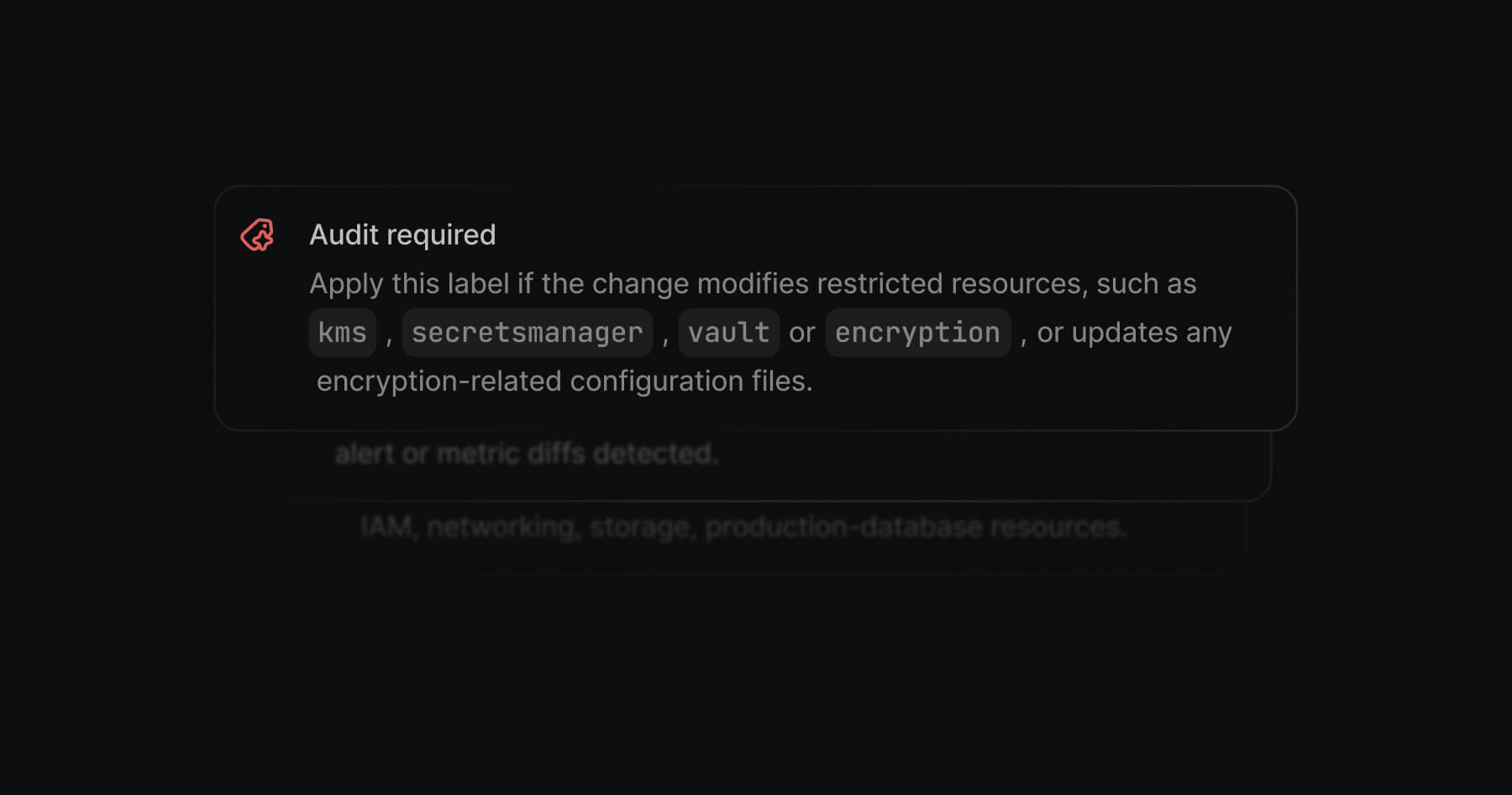
Audit Required
Apply this label if the change modifies restricted resources, such as kms, secretsmanager, vault, or encryption, or updates any encryption-related configuration file
Frontend Team Review
Apply this label if the frontend app would be affected by this change, even if it would be affected indirectly
Learn more about Auto Labels in our docs.
Bug Fixes
Improvements
— We've deprecated Auto-tags in favor of Auto Labels