Improved Risks engine and in-depth reasoning
We’ve updated the Change Risks engine to use newer LLM models and make broader use of the existing feature set.
The Change activity timeline now shows the full analysis process as it runs. Observations appear within the first few minutes, providing early visibility into what is being explored and simulated before the final results are available.
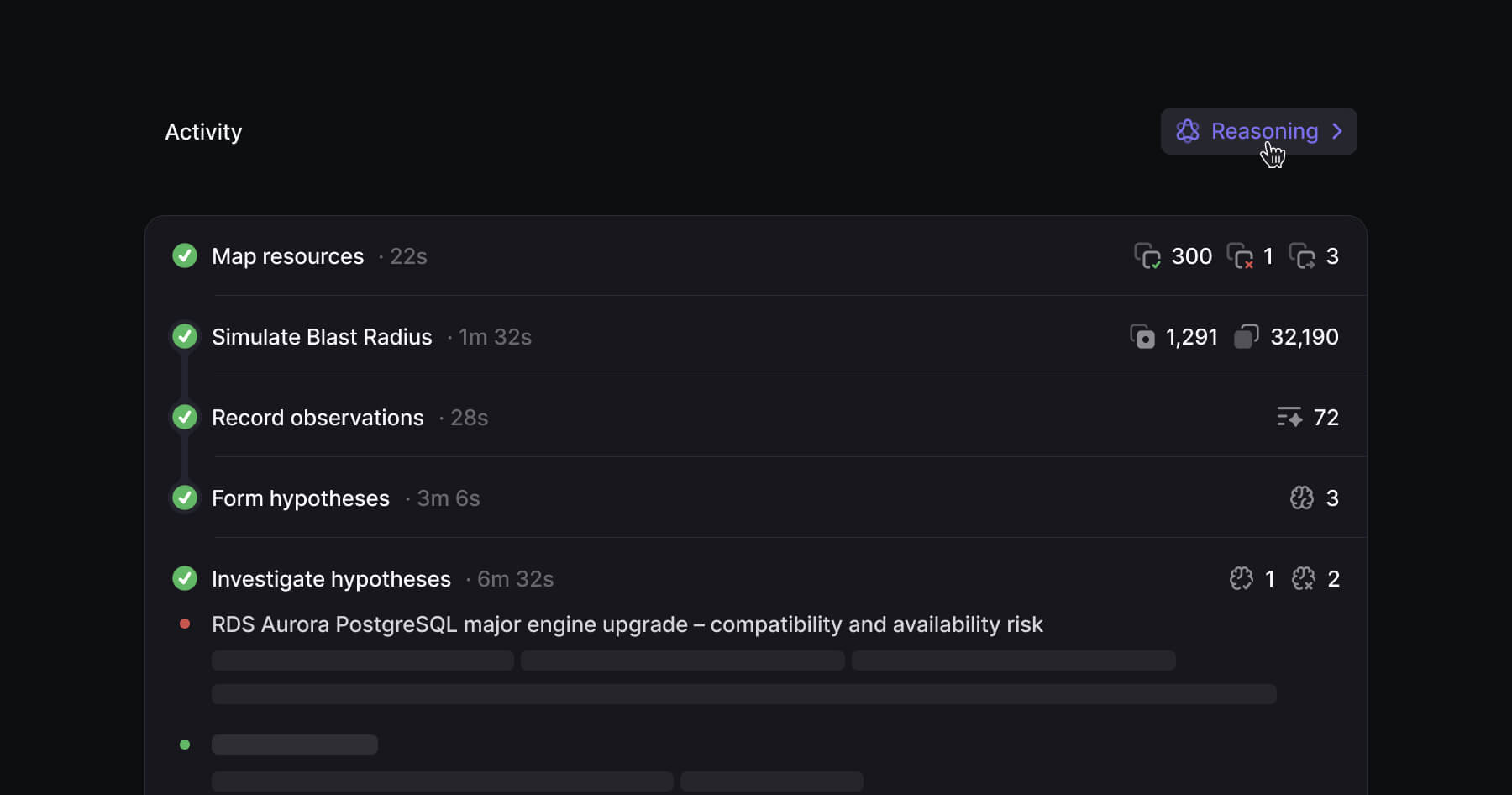
A detailed view of how a Change is analyzed is available in the Reasoning sidesheet in the activity section. This view covers the full flow from initial observations, through investigation, to final conclusions.
Each hypothesis is evaluated and either confirmed or ruled out, with the underlying reasoning shown for both outcomes.
Bug Fixes
Improvements
— Observations now appear earlier in the process instead of waiting for the full analysis to complete
— The activity timeline is now aligned with the actual analysis workflow as it runs
— Added a new Reasoning sidesheet with a full breakdown of observations, investigations, and conclusions
— Improved the risk model to produce more accurate, higher-signal results
Organize Changes using Auto Labels
Create rules that automatically label incoming Changes based on criteria you define and filter Changes directly from the sidebar for easy identification.
Configure Auto Labels by navigating to Settings › Auto Labels › New label and clicking New label.
In case you're running out of ideas, try one of the examples below:
Priority Review
Apply this label if the changes is High Risk and it modifies any IAM, networking, storage, production-database resources.
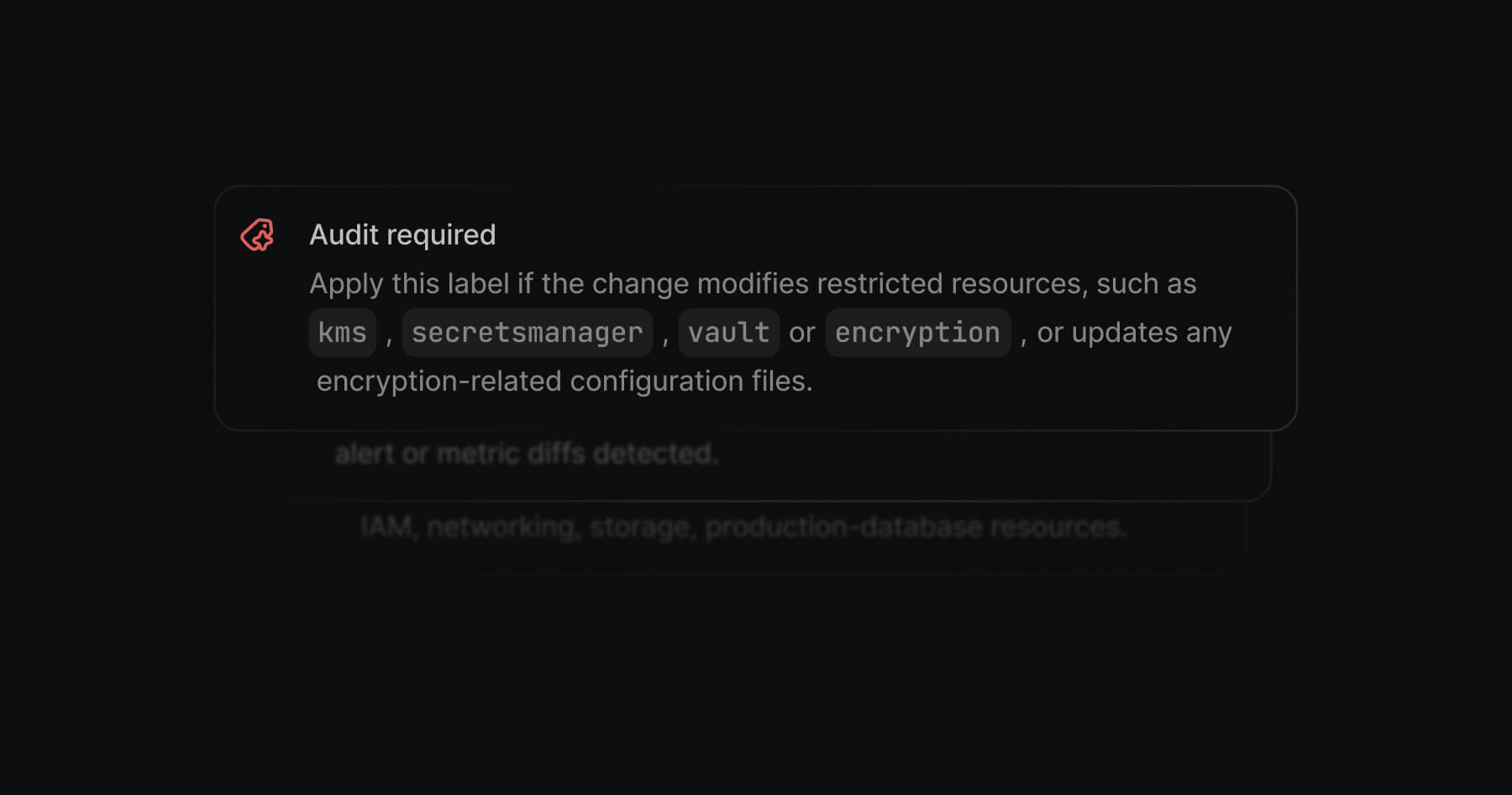
Audit Required
Apply this label if the change modifies restricted resources, such as kms, secretsmanager, vault, or encryption, or updates any encryption-related configuration file
Frontend Team Review
Apply this label if the frontend app would be affected by this change, even if it would be affected indirectly
Learn more about Auto Labels in our docs.
Bug Fixes
Improvements
— We've deprecated Auto-tags in favor of Auto Labels
GitHub App
Connect your GitHub organization to Overmind using our GitHub App by navigating to Settings › Integrations › GitHub or installing directly during the onboarding process.
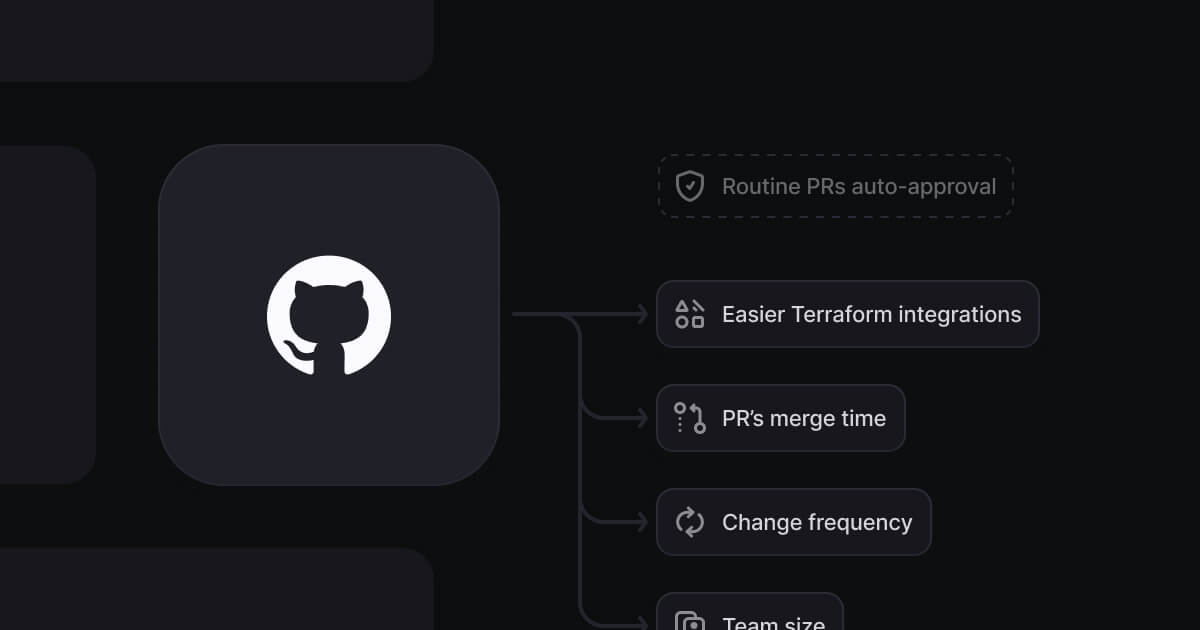
Installing the app lets Overmind better understand your workflow, enabling more accurate Change signals using indicators like PR merge time, change frequency, and working-hours context.
Our team is working on adding support for automatically approving routine Changes.
Bug Fixes
— Fixed an issue where some analyzed changes couldn’t be started from the CLI
— Fixed an error caused by incorrect frontend schema validation for certain GCP sources
— Addressed various visual bugs related to alignment, color consistency, and other small UI inconsistencies
Improvements
— Smoother onboarding for all Terraform users via our GitHub App
— Enhanced Signals when our GitHub App is connected to your organization
Env0 integration
Env0 users can now connect their Env0 Terraform deployments directly to Overmind.
Submits Terraform plans from Env0 to Overmind for blast radius and risk analysis.
Tracks change lifecycle, marking when a deployment starts and finishes.
Links changes back to Env0, so every change in Overmind has a ticket link to the corresponding Env0 deployment.
Learn more on how to get started in our Docs.
Bug Fixes
Improvements
— Changes with no risks will now display and additional supporting message in the Activity section of a Change.
SOC 2 and ISO 27001 certified
We’re proud to share that Overmind has successfully completed its SOC 2 Type II and ISO 27001 audits.
Security has been a priority from day one. These certifications reflect our ongoing commitment to a secure platform, transparent processes, and industry-leading security practices.
Request a copy of the report via our Trust Center.
Bug Fixes
— Various bugs related to the toolbar in Graph views are now fixed
— Fixed an issue where the risk engine would duplicate hypothesis across multiple groups
Improvements
— GCP sources now support impersonation
— Ability to submit a custom Terraform plan, making it easier to work with Terragrunt, wrapper scripts, and other custom workflows
— The Signals icon indicators have been redesigned to improve clarity and make different Signal types easier to distinguish
— Add the option to copy a risk fix and paste it directly into Cursor or Copilot from the risk itself
Redesigned onboarding experience
The onboarding flow was completely redesigned to provide a cleaner, more intuitive experience.
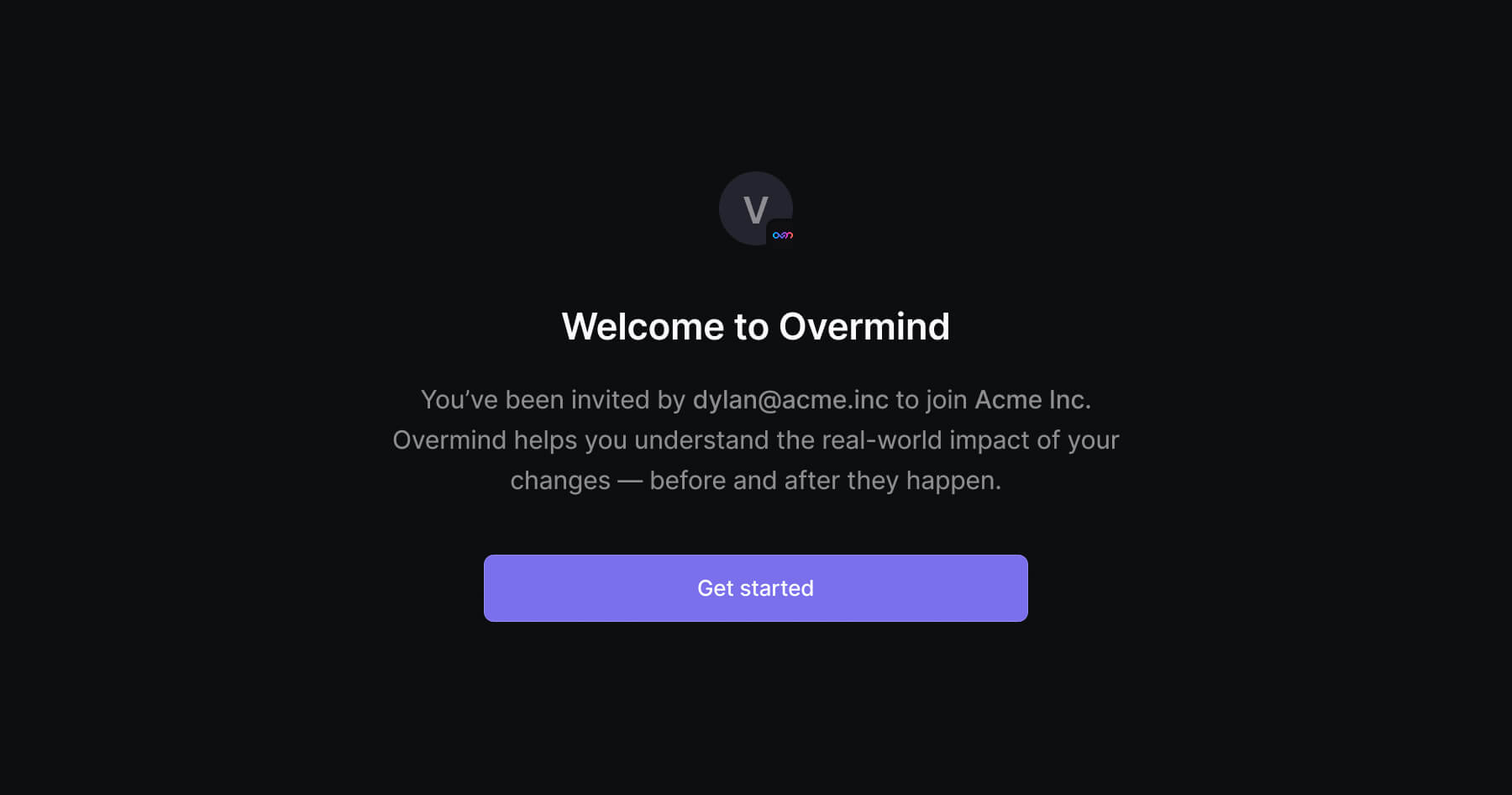
We’ve added an educational layer to help users better understand the purpose and expected outcome of the setup process.
We also streamlined team invitations, making it easier to bring others into Overmind.
Bug Fixes
— Broken link when navigating to Signals in Settings
— An issue where starting / stopping a Change would fail inconsistently
— An issue where the Blast Radius calculation would cause random timeouts
— Deleting a Change wouldn't update instantly
— Deleting a Change from within wouldn't redirect correctly
Improvements
— Improved focus states across the app
— Redesigned Changes list
Signals
Today we're excited to announce Signals, a new feature that brings intelligence to infrastructure deployments.
After months of development and conversations with customers and design partners, we're making Signals available to all Overmind users.
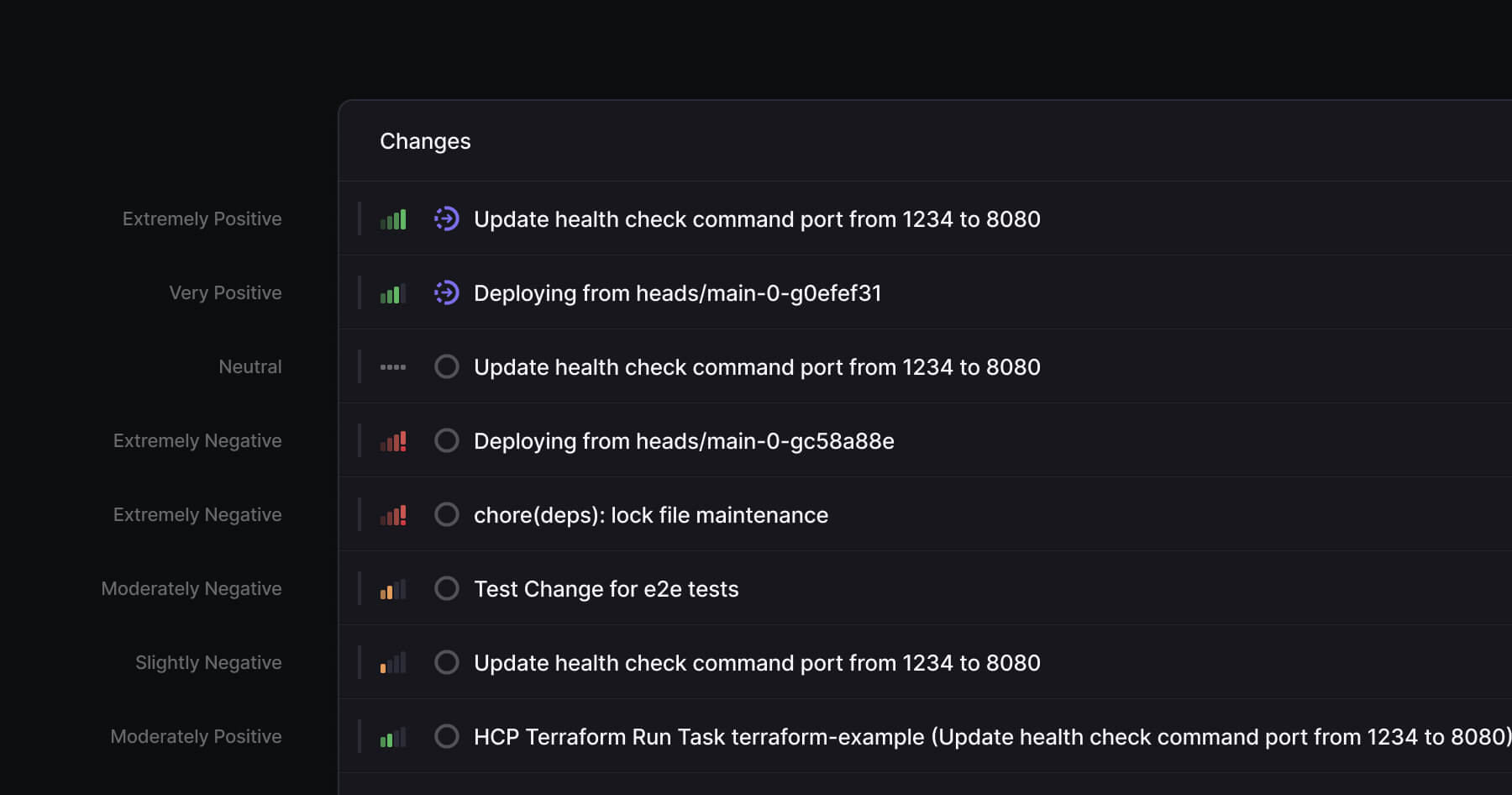
Signals solves this by analysing your actual deployment patterns and giving you intelligence about what's routine versus what requires careful review.
Signals uses a -5 to +5 scoring system where positive scores indicate established, safe patterns and negative scores flag areas of the PR that need your extra attention. Learn more about Signals in our blog.
To get started, Sign Up for Overmind and try it out for free.
Bug Fixes
— Issue where an empty paragraph element was rendered in inside the change overview
— Duplicated change risks
Improvements
— More consistent loading states
— More consistent popover animations
— Contrast issue when code was mentioned inside the Assistant in dark mode
Introducing GCP support
Connect a GCP sources to Overmind by navigating to Settings › Sources › New source › GCP.

This release marks a major milestone on our roadmap, delivering one of our most requested features. With support for 100+ adapters and more on the way, we’re continuing to expand coverage — with Azure support being in active development.
Bug Fixes
— The Blast Radius calculation would not increase in depth as expected
Improvements
— The Blast Radius now shows the number of affected items and edges
Redesigned UI
Our team has been busy with fully redesigning the entire app with a cleaner layout, improved navigation, and more consistent visual patterns throughout the experience.
The interface now features clearer layouts, refined typography, and more intuitive navigation, making it easier to move through pages and understand what’s happening at a glance.
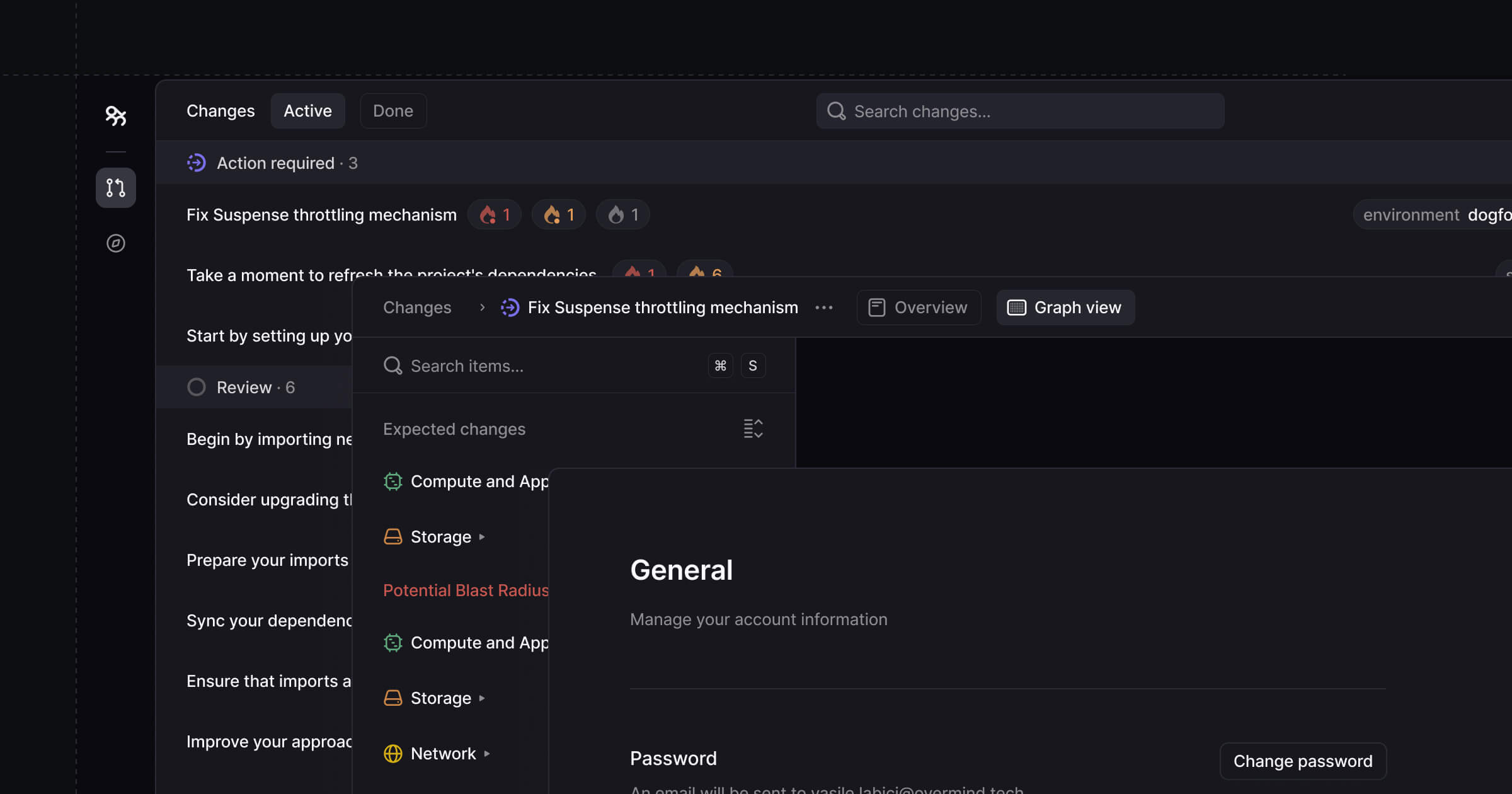
Furthermore, components have been rebuilt for greater consistency, pages load with less visual noise, and interactive elements now feel more responsive.
Altogether, the new design makes Overmind faster to understand, easier to use, more enjoyable to navigate, and marks a major milestone in our evolution toward becoming the industry standard.
You can try it our for free by Signing Up.